

Reference

palkon4d App — Lobby in Your Pocket

The palkon4d mobile experience runs through your phone browser — no waiting, no file downloads required to check what we currently offer. Access depends on local law and is available where local law permits, so check eligibility for your region before getting started.

mobile browser accessaccount login on the godevice compatibility checkavailability by region
palkon4d palkon4d App — Lobby in Your Pocket
APP FEATURE BREAKDOWN

Four Things the Mobile Interface Does Well

These are the practical features that make the palkon4d mobile interface worth switching to — each one addresses a real friction point in the mobile session flow.

Fingerprint Login Skip typing your password every session. Biometric login works on supported Android and iOS devices — tap the sensor and you are inside the lobby.
Push Notifications Opt in to receive alerts when a live table seat opens or when your pending betslip result is confirmed — no need to keep the browser tab active.
Dark Mode Display The interface switches to dark mode automatically based on your device setting. Easier on the eyes for late-night sessions on Dice Duel Fast Game.
Offline Lobby Preview When your connection drops briefly, the lobby preview stays cached so you can browse game tiles and odds without a live feed until connectivity returns.

What Devices Work With palkon4d Mobile

Most current Android and iOS devices handle the mobile lobby without issue. The key variables are browser version and screen resolution, not the brand of handset. If a specific game or live stream does not load, refreshing in an updated browser usually resolves it.

Android browsersChrome is the recommended browser on Android. Keep it updated to the current stable release for full live table and crash game support.
iOS browsersSafari on iPhone and iPad handles the mobile layout well. Third-party browsers on iOS use the same rendering engine, so Safari is the direct option.
Screen layoutThe interface adapts to screens from compact phones to tablets. Portrait mode is standard for slots; landscape is available for live table views.
Account requirementsYour standard palkon4d account works on mobile — no separate registration needed. Wallet access, game history and account settings carry over.
Checking supported devicesIf you are unsure whether your specific handset is supported, open the site in your current browser and navigate to a live table — that is the heaviest load test.
palkon4d Mobile Access in 3 Steps

Mobile Access in 3 Steps

No APK file, no app store search required. The palkon4d mobile lobby loads directly in a modern phone browser — Chrome on Android and Safari on iOS both work well. Bookmark the page after your first visit so you can return without re-typing the address. If your device asks whether to add it to the home screen, accept — it behaves like

a shortcut and opens full-screen. Account login carries over from desktop, so your wallet balance and history are already there the first time you open it on mobile.

  • Open the current site — Visit palkon4d in your phone browser. The page detects your screen size and loads the mobile layout automatically.
  • Check browser compatibility — Use an up-to-date version of Chrome or Safari. Older browsers may not render live table streams or the crash game interface correctly.
  • Sign in securely — Log in with your existing account credentials. Enable biometric login in account settings if your device supports fingerprint or face unlock.
  • Add to home screen — Use your browser's share or menu option to add palkon4d to your home screen for one-tap access that opens full-screen next time.
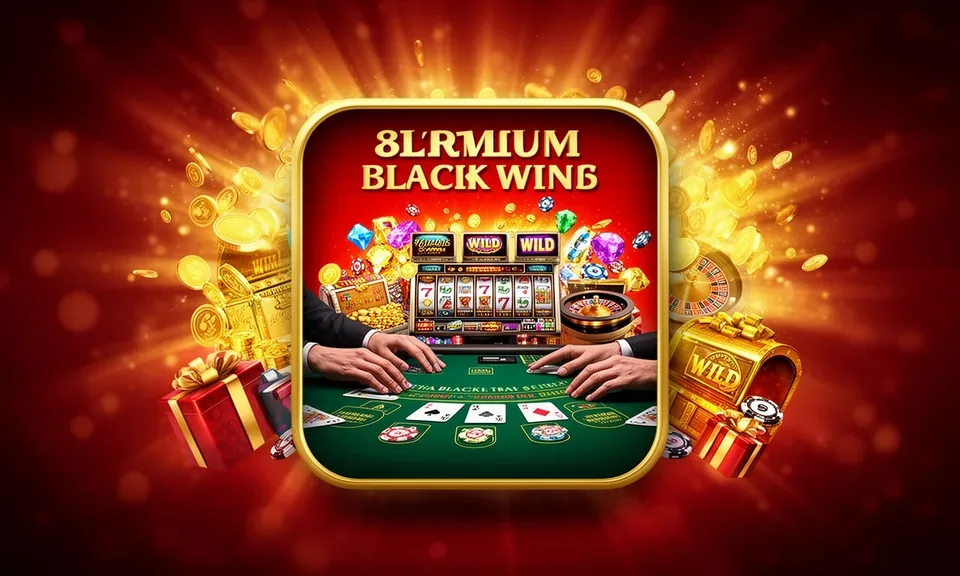
palkon4d Slots, Live Tables and Betslip on Your Phone

Slots, Live Tables and Betslip on Your Phone

Open the palkon4d lobby from your phone and you land on the same full catalogue you'd see on desktop — Pragmatic Play slots like Gates of Olympus, PG Soft crash games like Spaceman Crash Play, and live Evolution tables running around the clock. The mobile interface keeps your betslip pinned so you can track a Football Parlay Guide market without scrolling back.

Quick deposit shortcut puts your wallet one tap away. Push notifications alert you when a round you queued is live. Fingerprint login skips the password screen entirely on supported Android and iOS devices. Players in Bekasi reach the lobby in seconds on a mid-range handset with a stable data connection.

Common Questions About palkon4d Mobile Access

These are the questions we hear most often about accessing the palkon4d lobby on a phone or tablet — answered directly with no filler.

We recommend checking palkon4d directly for the current status of any native app build. The mobile browser version is fully functional right now on Android and iOS.

No separate account needed. Your existing palkon4d login works on mobile. Wallet balance, game history and settings all sync across devices automatically.

Go to account settings after logging in on your phone. If your device supports biometric authentication, the option to activate fingerprint or face unlock appears there.

Slots from Pragmatic Play and PG Soft — including Spaceman Crash Play and Gates of Olympus — load smoothly. Live tables from Evolution also stream well on a stable mobile data connection.

Yes. The sportsbook section including Liga 1 markets and Football Parlay Guide options is accessible from the mobile lobby, where local law and eligible regions permit.

First, try refreshing in an updated version of Chrome or Safari. If the issue continues, clear the browser cache or switch to a stronger data connection and reload.
Reference

palkon4d App

Service availability depends on eligible regions and local law. Users should check local rules before opening an account.

Access may be available only where local law permits.